One page per giveaway, messages with the host, and drafts
27 October 2026
Four changes to how giveaways work.
One page, no join step
A giveaway used to have a front page and, behind it, the arena where the bids are. You also had to press "Join" before you could take part. Both are gone.
The giveaway link opens one page for everyone. The pool, the countdown and the status are at the top. Tap Hosted by to read the host's note, how winners get paid, and the rest of the details.
To see the bids, sign in. You need a free account, and only your alias is ever shown.
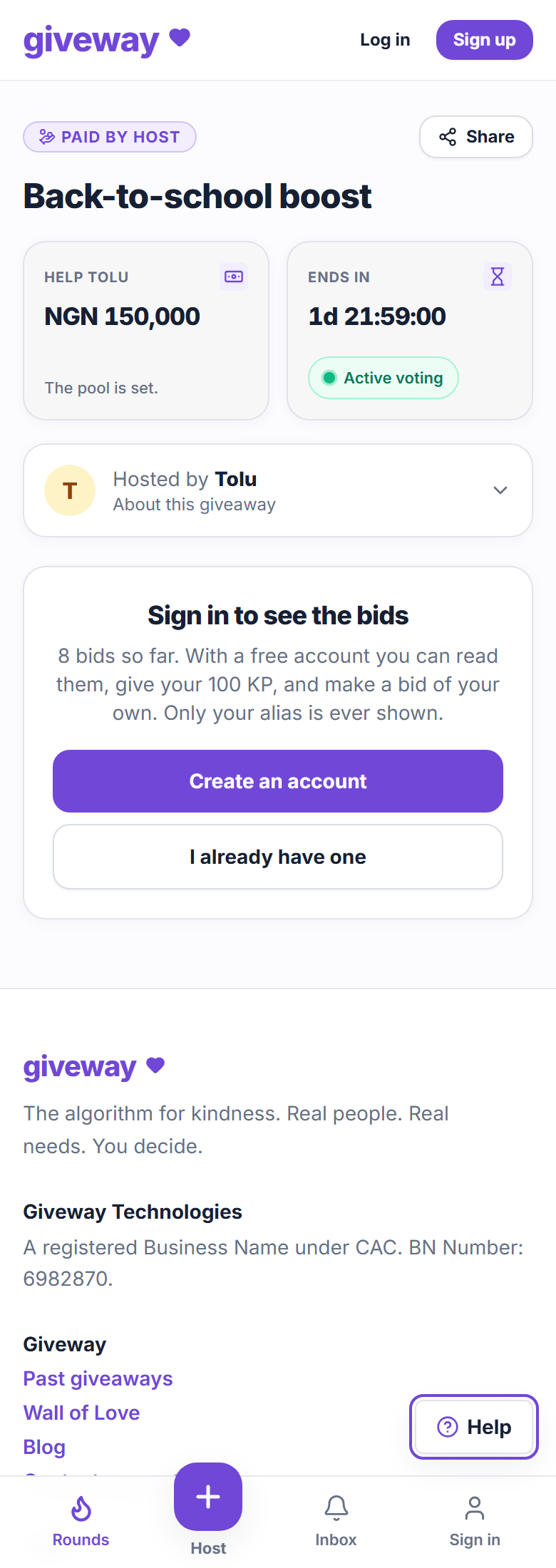
Once you're signed in, the bids are right there, with your 100 KP to give. There's nothing to join. Making a bid or giving your KP is what makes you a player, and from then on we email you about the giveaway. If a friend's invite link brought you, they still get the credit.
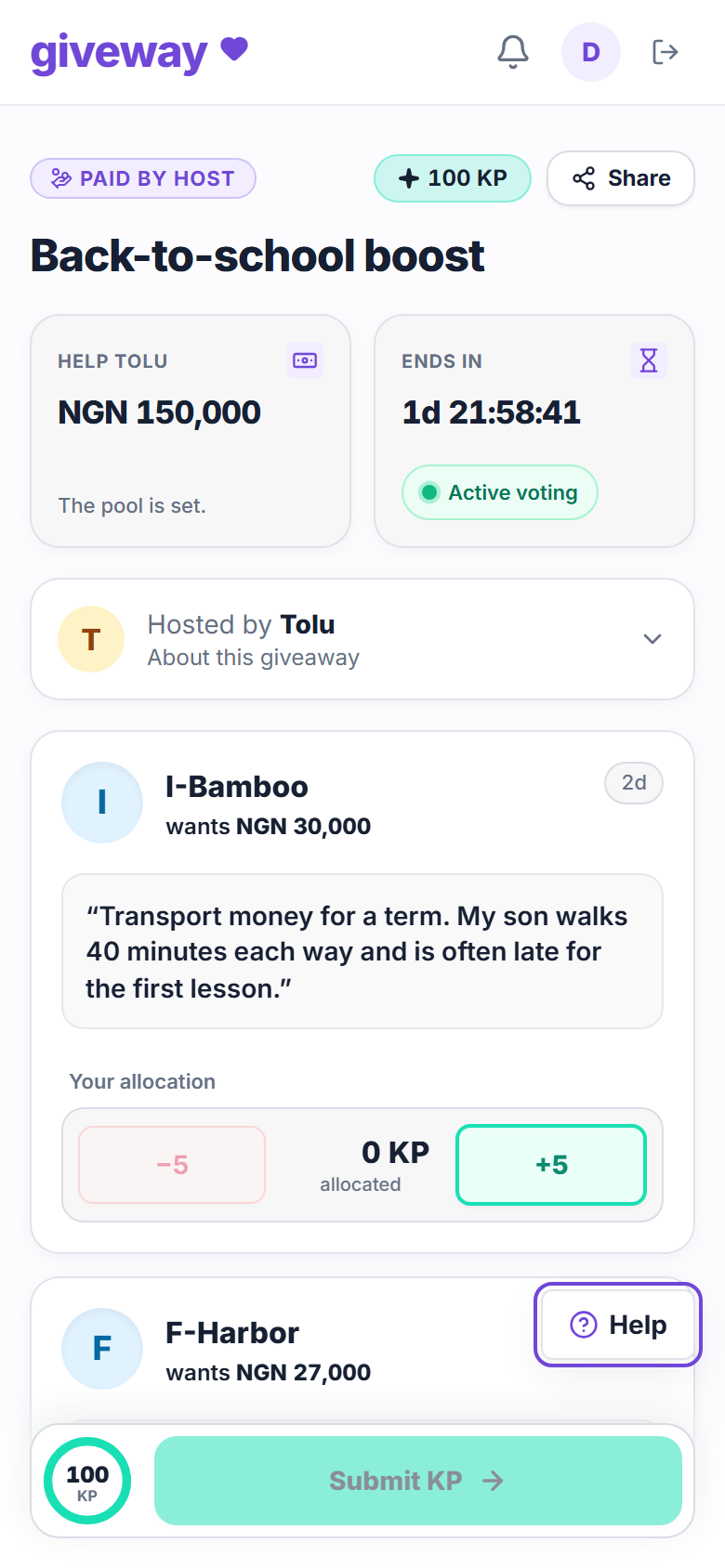
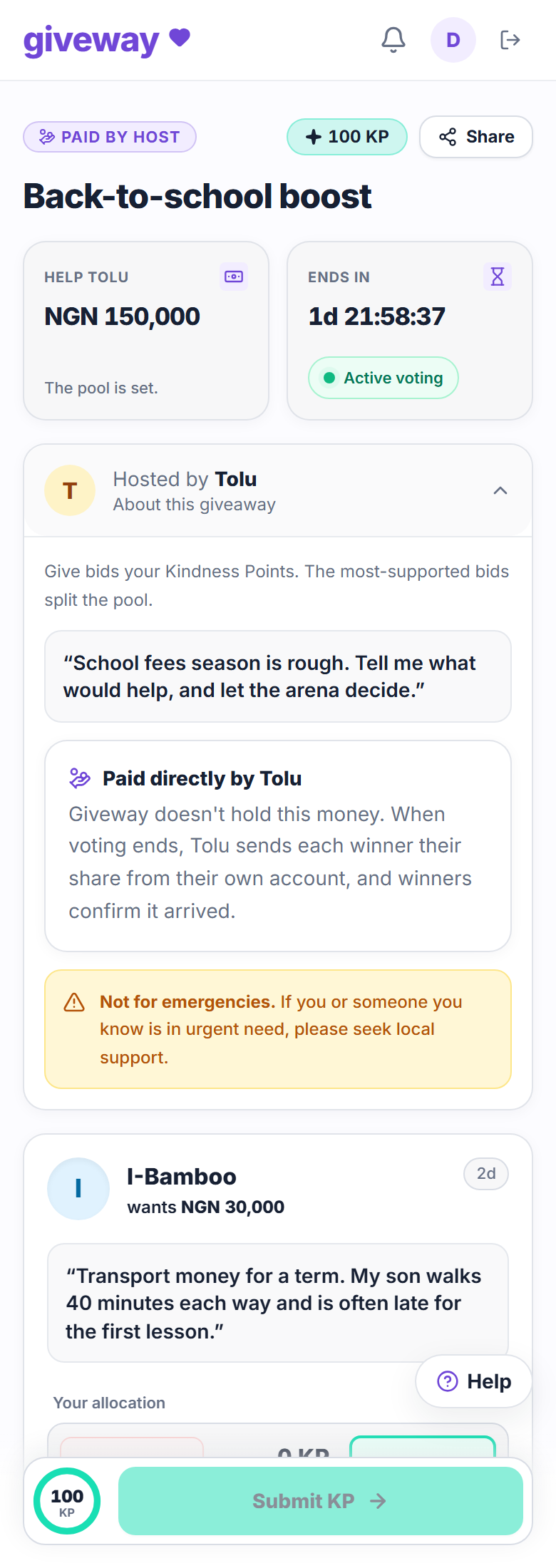
Old arena links in emails and shared posts still work. They open the same page.
Message the host
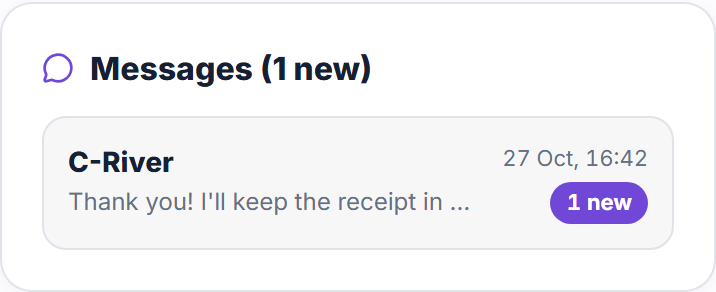
Once you've made a bid, you can message the host about it with the Message the host button at the top of the giveaway page. The conversation is private between you and the host, and the host sees your alias, never your name or email. The first message the other person hasn't read yet sends them a notification and an email, and further messages don't send more until they've read it.
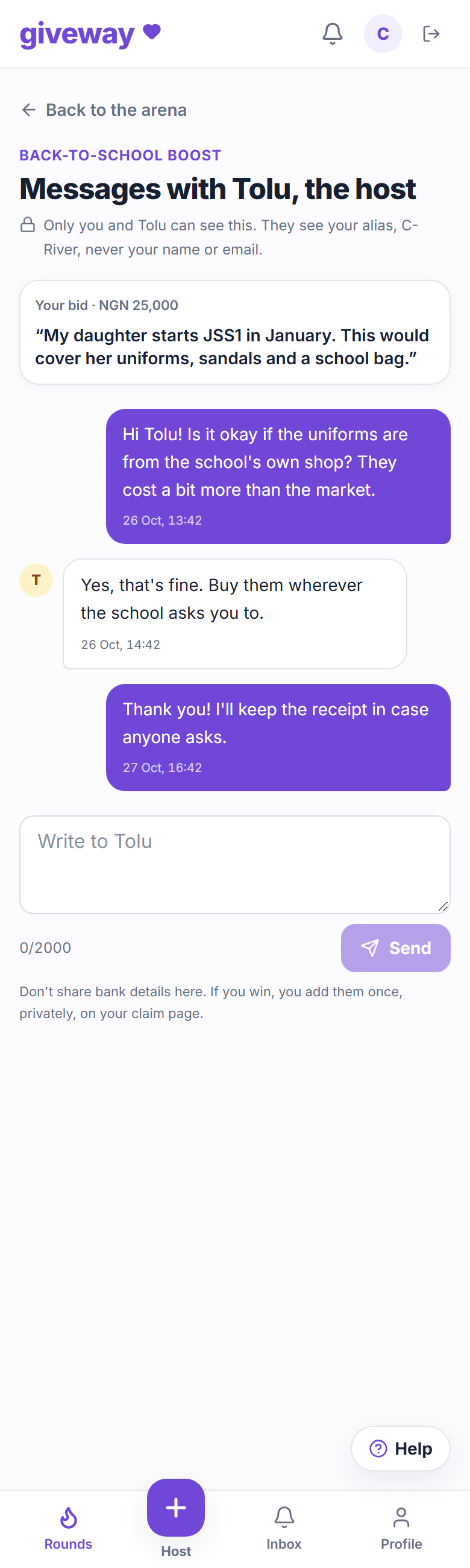
Hosts find every conversation on their giveaway page, with new messages marked. They can also message any bidder from that person's bid.
Don't share bank details in messages. If you win, you add them once, privately, on your claim page.
Hosts can search bids
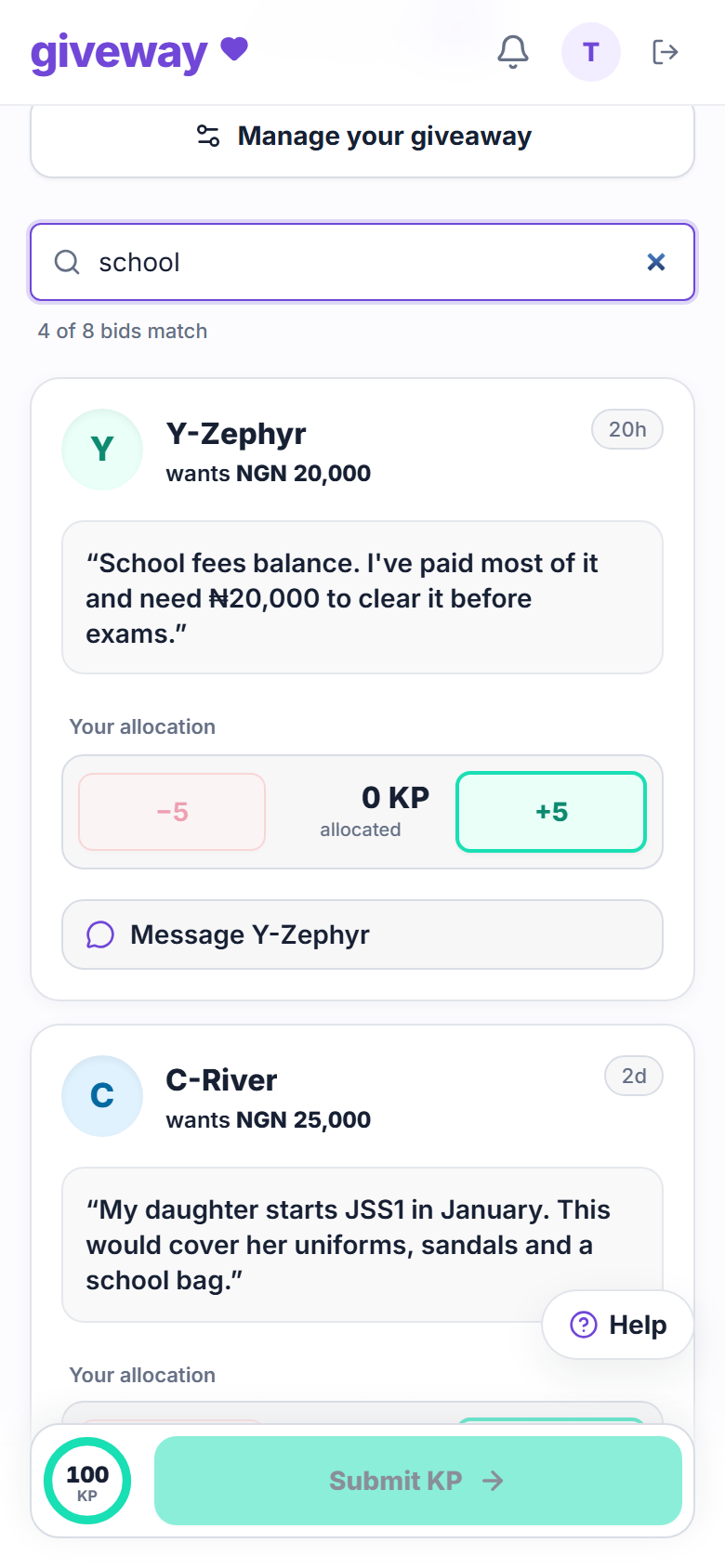
Hosts now have a search box above the bids. It matches a bidder's alias, the words in their bid, or the amount they asked for, so "school" finds every bid that mentions school, and "25000" or "25,000" finds bids asking for ₦25,000.
Only the host has search. Everyone else still sees bids in a fair order, starting with the bids fewest people have seen.
Giveaways start as drafts
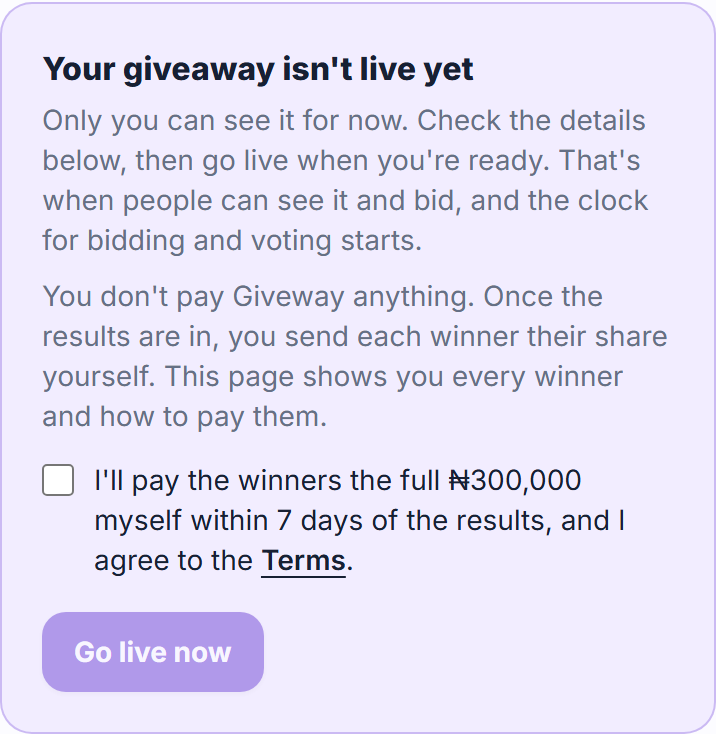
A new giveaway no longer goes live the moment you create it. It starts as a draft that only you can see, so you can check the details first. When you're ready, confirm you'll pay the winners and press Go live now. That's when the clock for bidding and voting starts.
New to Giveway? Read how Giveway works.
Signed, The Giveway team